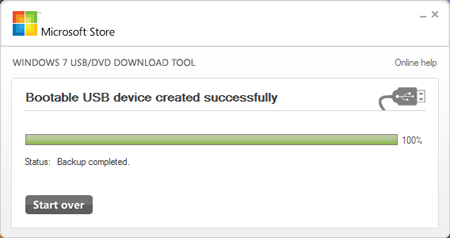
Hi all users, many of you asked us about some idea on how to install Windows 7 OS from USB thub drive (Pen Drive) so we found this easiest way to do so is by using the tool Microsoft offers, cunningly named the Windows 7 USB/DVD Download Tool. To get started,download the software and install it.
Once it is installed, it should create an icon on your desktop, so double-click that to open. If you can't find it, use the search function in the Start Menu with a keyword like "USB." Launching it should give you the above screen, and step one is to find the Windows 7 .ISO file. The tool only accepts .ISO images, so we recommend that you convert yours if it's in a different DVD image format.
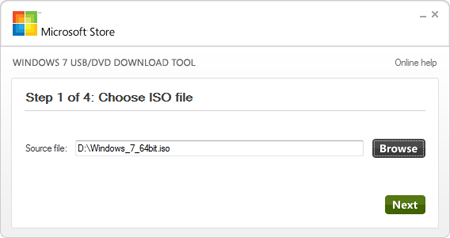
Once it is installed, it should create an icon on your desktop, so double-click that to open. If you can't find it, use the search function in the Start Menu with a keyword like "USB." Launching it should give you the above screen, and step one is to find the Windows 7 .ISO file. The tool only accepts .ISO images, so we recommend that you convert yours if it's in a different DVD image format.
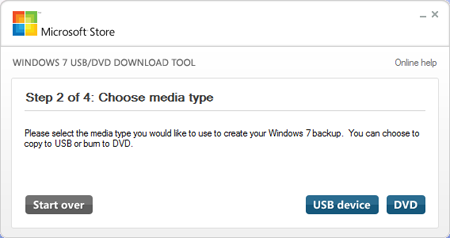
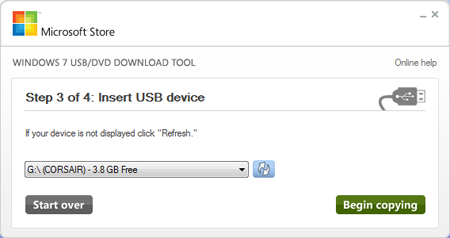
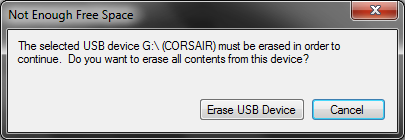
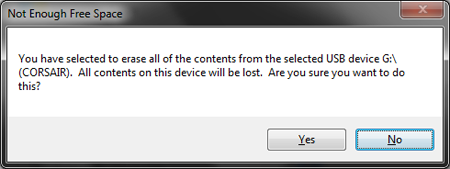
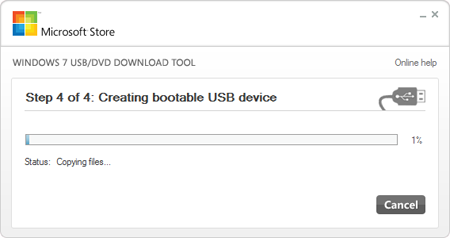
The format will be very quick, while the copying of the files will take a little bit more time (about 10 to 15 minutes).